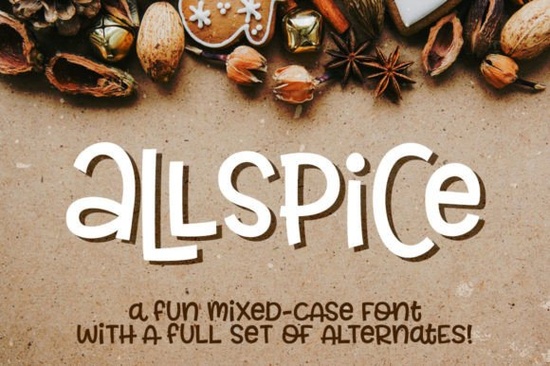
If you’re looking for a font that’s playful but still easy to use, Allspice Font is worth checking out. It’s the kind of typeface that feels at home on greeting cards, packaging, stickers, or even kids’ party invites without needing any special software or extra steps to access its full character set. What makes it especially handy is how everything uppercase, lowercase, numbers, punctuation, and even accented letters sits at the same height. That means you can mix styles within a single word and keep things visually balanced.
Whether you're designing for print-on-demand, running a small Etsy shop, or just making something fun for your own kitchen wall, Allspice gives you room to play. And because it includes a second font file packed with alternates, you’re not stuck with one look per letter. Every character has a stylistic twin yes, even the commas and tildes so you can tweak your design until it feels just right.
What’s actually included when you download?
Your purchase comes with two complete font families:
- Allspice (OTF + TTF)
- Allspice-Alternates (OTF + TTF)
Each file contains:
- A–Z and a–z (same-height mixed case)
- Numbers 0–9
- Standard punctuation
- Over 200 accented characters for multilingual support
There’s also a simple PDF guide that shows which characters live in which file super helpful if you’re switching between versions mid-project. No need to dig through Font Book or Character Map. If your design tool doesn’t support OpenType features, you’re still covered. Just toggle between the two installed fonts to access every variation.
Who is this font best for?
This isn’t a font for corporate annual reports and that’s okay. Allspice shines when you want something friendly, handmade-feeling, and flexible. Think:
- Crafters making vinyl decals or heat-transfer shirts
- Small business owners designing their own labels or social media graphics
- Teachers creating classroom posters or activity sheets
- Print-on-demand sellers who need variety without complexity
It pairs well with other display fonts like Cytone for contrast, or Permanent Park if you want to layer textures. You could even use Belmore as a clean companion for body text while letting Allspice handle headlines or accents.
How do I use the alternates without fancy software?
Easy. Install both “Allspice” and “Allspice-Alternates” as separate fonts on your system. When typing in Canva, Silhouette Studio, Cricut Design Space, or even Microsoft Word, just switch the font dropdown from one to the other. Need a different “g”? Type it once in Allspice, then again in Allspice-Alternates no glyph panels required.
This approach works great for folks who don’t use Adobe apps or aren’t comfortable digging into OpenType menus. The alternates aren’t hidden behind ligature switches or stylistic sets they’re just there, ready to go, in a second font file.
Can I use this commercially?
Yes. Like most Creative Fabrica fonts, Allspice comes with a commercial license. That means you can use it on products you sell whether that’s mugs, tote bags, digital downloads, or printable party kits. Always double-check the license terms after purchase, but generally, you’re free to create and sell as much as you’d like.
If you’re exploring similar options, check out Cranbarries for a bouncy handwritten vibe, or Breakfast Pastry if you’re working on food-themed designs. Each has its own personality, but Allspice stands out for how effortlessly you can swap characters without losing rhythm or alignment.
And if you want to see more fonts like this directly from the source, take a look at Allspice on Creative Fabrica you might find bundles or seasonal deals that include it.
Quick tip before you start designing
Open your PDF guide first. It maps out exactly which alternates appear where, so you won’t waste time guessing. Try typing your phrase twice once in the main font, once in the alternates then copy-paste individual letters to build your final version. This method gives you total control without needing advanced typography skills.
Next step: Install both font files, open your favorite design app, and test a few words using mixed-case combinations. See how the alternates change the feel sometimes a single swapped letter is all it takes to make your design feel custom.
Download Now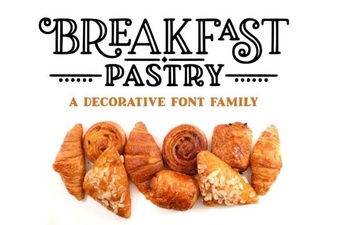 Perfect Fonts for Breakfast Pastry Recipes
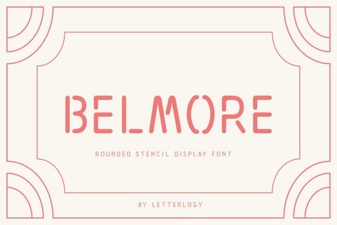 Belmore Font for Modern Creative Projects
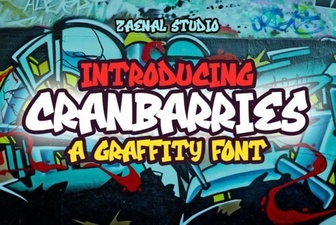 Cranbarries Font: Creative Typography for Graphic Projects
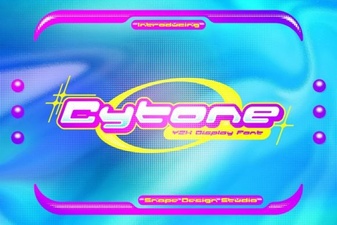 Cytone Font: Creative Typography Projects & Ideas
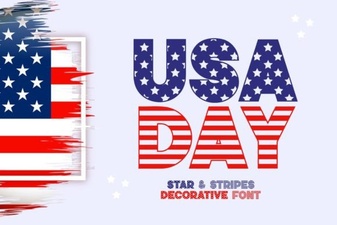 The Usa Day Font: Creative Patriotic Design Projects
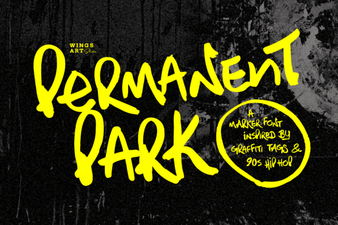 Permanent Park Font: Creative Design & Use Cases