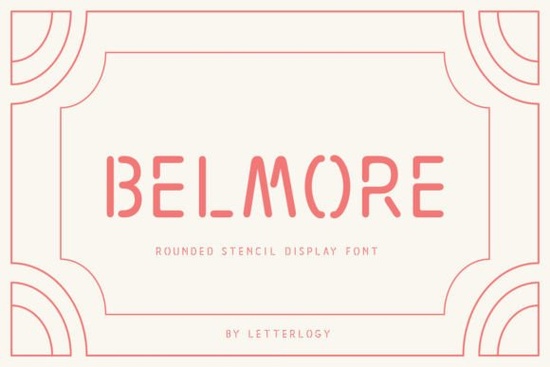
If you’ve been searching for a stencil font that doesn’t sacrifice readability for style, Belmore Font is worth a closer look. It’s rounded, modern, and built with enough personality to stand out whether you’re designing a logo, packaging, or a bold poster headline. Unlike many display fonts that feel stiff or overly industrial, Belmore keeps things friendly while still delivering that crisp, cut-out stencil effect designers love.
It works especially well if you’re creating physical displays, merch, or print materials where legibility matters just as much as visual impact. Think coffee shop chalkboards, boutique signage, or even custom tote bags the kind of projects where you want your text to feel intentional, not accidental.
What makes Belmore different from other stencil fonts?
Most stencil fonts lean heavily into the “military” or “industrial” vibe think heavy serifs, sharp angles, and rigid spacing. Belmore softens those edges without losing its identity. The rounded terminals and open counters help letters breathe, which means it scales well across sizes and surfaces. You can use it at 12pt on a business card or blown up to 120pt on a banner, and it’ll still hold its shape.
Compare it to something like Anton, which is bold and geometric but lacks the warmth Belmore brings. Or check out Cytone another modern option, but with sharper lines and less organic flow. Belmore sits in that sweet spot between playful and professional.
Who should consider using this font?
- Print-on-demand sellers looking for a font that photographs well on mugs, shirts, and posters.
- Small business owners who need branding that feels handmade but polished think bakeries, boutiques, or local event promotions.
- Crafters and DIYers making stencils for wood signs, vinyl decals, or painted canvas art.
- Graphic designers tired of overused display fonts and wanting something fresh for client projects.
It’s also surprisingly versatile for digital use. While it’s optimized for print and physical media, it holds up fine on websites or social graphics especially when used sparingly for headlines or featured quotes.
How does it pair with other fonts?
Belmore pairs best with clean, minimalist sans-serifs. Try it alongside a neutral workhorse like USA Day for body text, or let it shine solo as a statement piece. Because of its rounded structure, avoid pairing it with other rounded fonts it can start to feel too soft. Instead, contrast it with something angular or monospaced to create visual tension.
If you’re building a full toolkit, consider grabbing Fonts Bundle Vol. 1. It includes several display fonts with complementary styles, so you can mix and match depending on the project mood.
Any tips for getting the most out of Belmore?
- Use generous leading. The rounded forms benefit from extra space between lines, especially in all-caps layouts.
- Avoid tiny sizes. While readable, it’s still a display font keep it above 14pt for best results.
- Play with color fills. The stencil gaps look great when filled with contrasting colors or subtle gradients.
- Try it in mockups. Seeing it on a real-world surface (like a tote bag or storefront window) helps judge its impact better than a blank canvas.
You can preview and license Belmore directly on Creative Fabrica. They offer commercial licenses, which is essential if you’re selling products or client work.
Is there a learning curve?
Not really. Belmore comes as a standard OTF/TTF file, so it installs like any other font on Mac or Windows. No special software required. If you’re using Canva, Silhouette, or Cricut, just upload the font file and you’re good to go. The character set includes uppercase, lowercase, numerals, punctuation, and basic symbols enough for most everyday projects.
One thing to note: because it’s a display font, don’t expect extended language support or OpenType alternates. It’s designed to do one thing well look great as a headline or focal point not serve as a paragraph workhorse.
Before you download, ask yourself:
- Do I need a font that’s both eye-catching and easy to read?
- Am I working on physical products or signage where stencil effects add value?
- Do I want something that feels modern but not sterile?
If you answered yes to any of those, Belmore is probably a smart addition to your toolkit. It’s not trying to be everything to everyone and that’s exactly why it works.
Next step: Download the free sample first. Test it in your most common design scenario whether that’s a product mockup, social graphic, or print layout. See how it behaves before committing. Most users find that once they try it, they end up using it more often than expected.
Get Started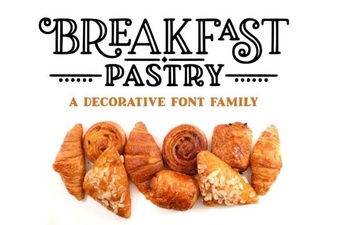 Perfect Fonts for Breakfast Pastry Recipes
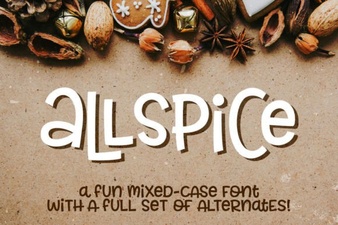 Allspice Font: Creative Typography for Design Projects
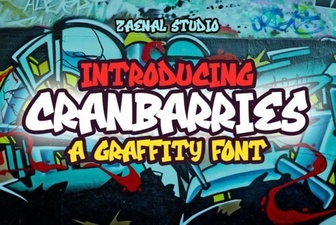 Cranbarries Font: Creative Typography for Graphic Projects
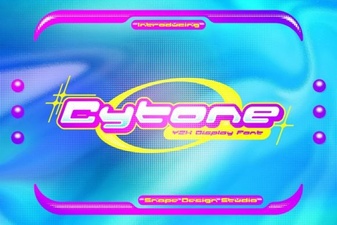 Cytone Font: Creative Typography Projects & Ideas
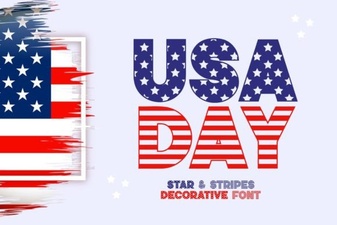 The Usa Day Font: Creative Patriotic Design Projects
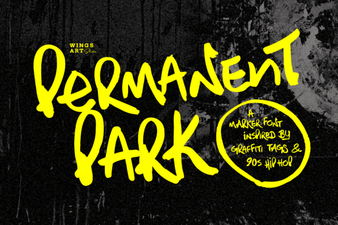 Permanent Park Font: Creative Design & Use Cases